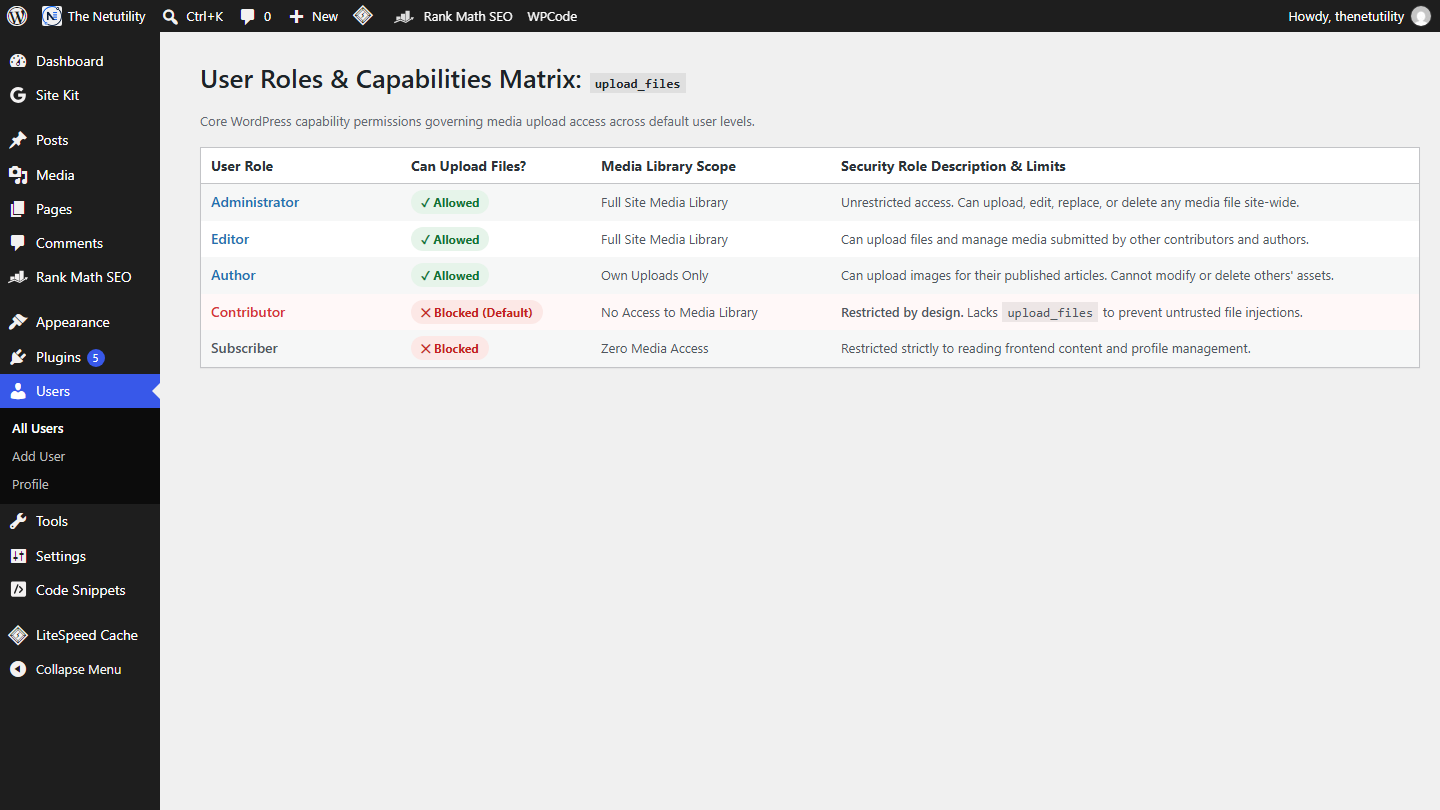
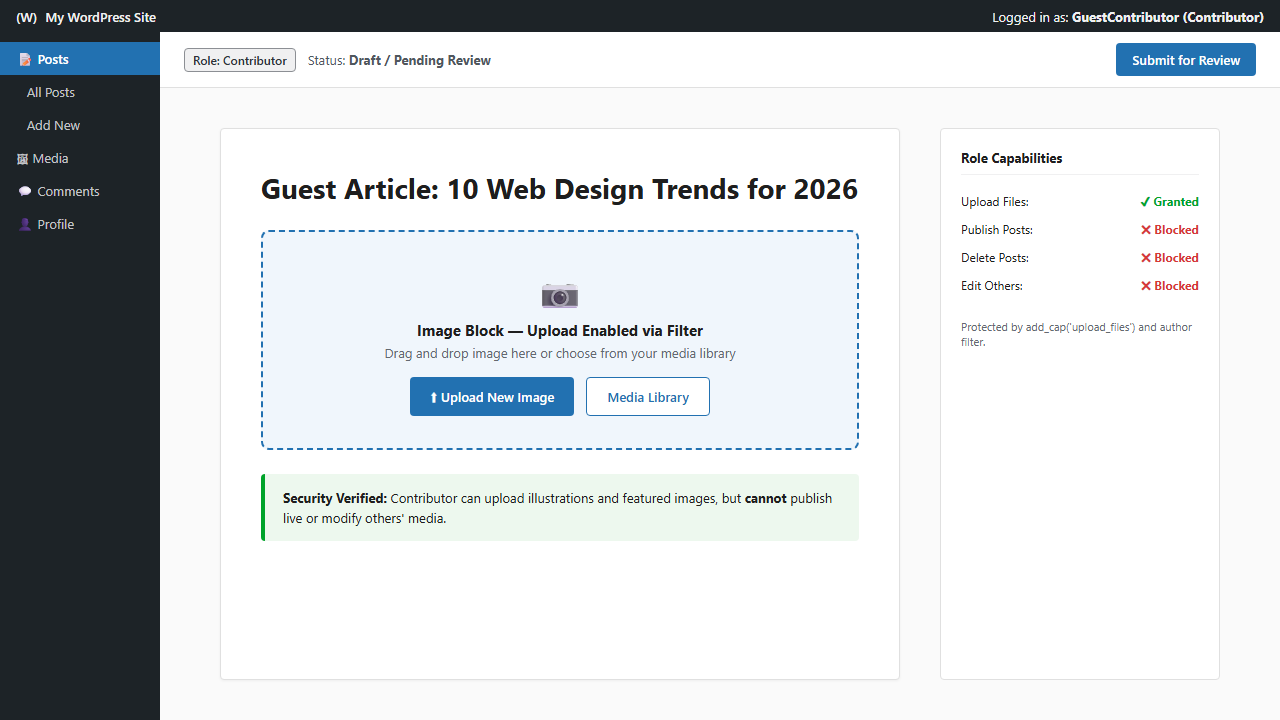
Which WordPress User Roles Can Upload Files?
Managing media uploads across a collaborative publishing team requires strict adherence to the principle of least privilege. In WordPress, granting users permission to upload images,…
Changing your WordPress account password is the standard response when you suspect account compromise, lose a mobile device, or conclude work on a public computer….
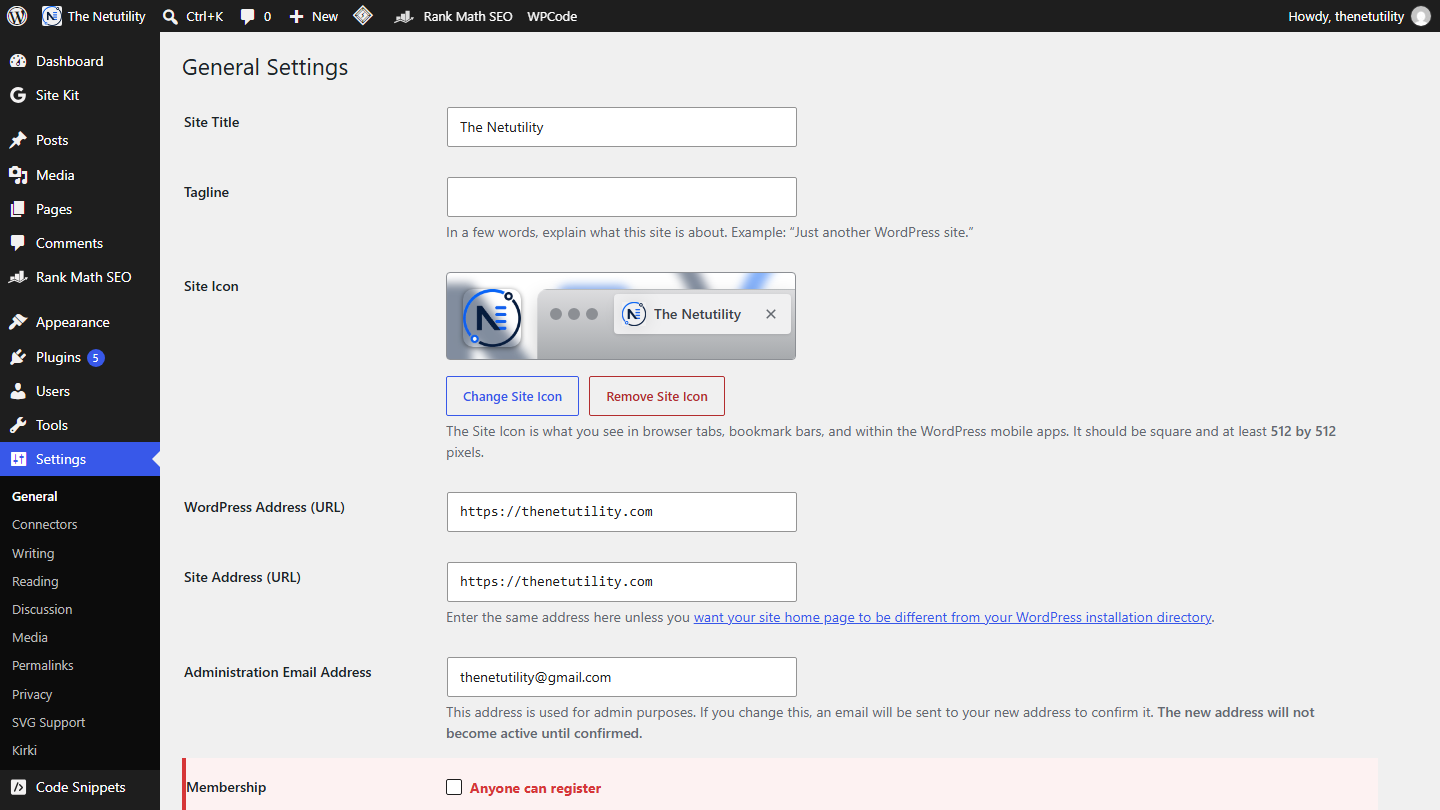
Running a WordPress website without proper access controls is an open invitation for automated bot networks. If your blog, portfolio, or business website does not…
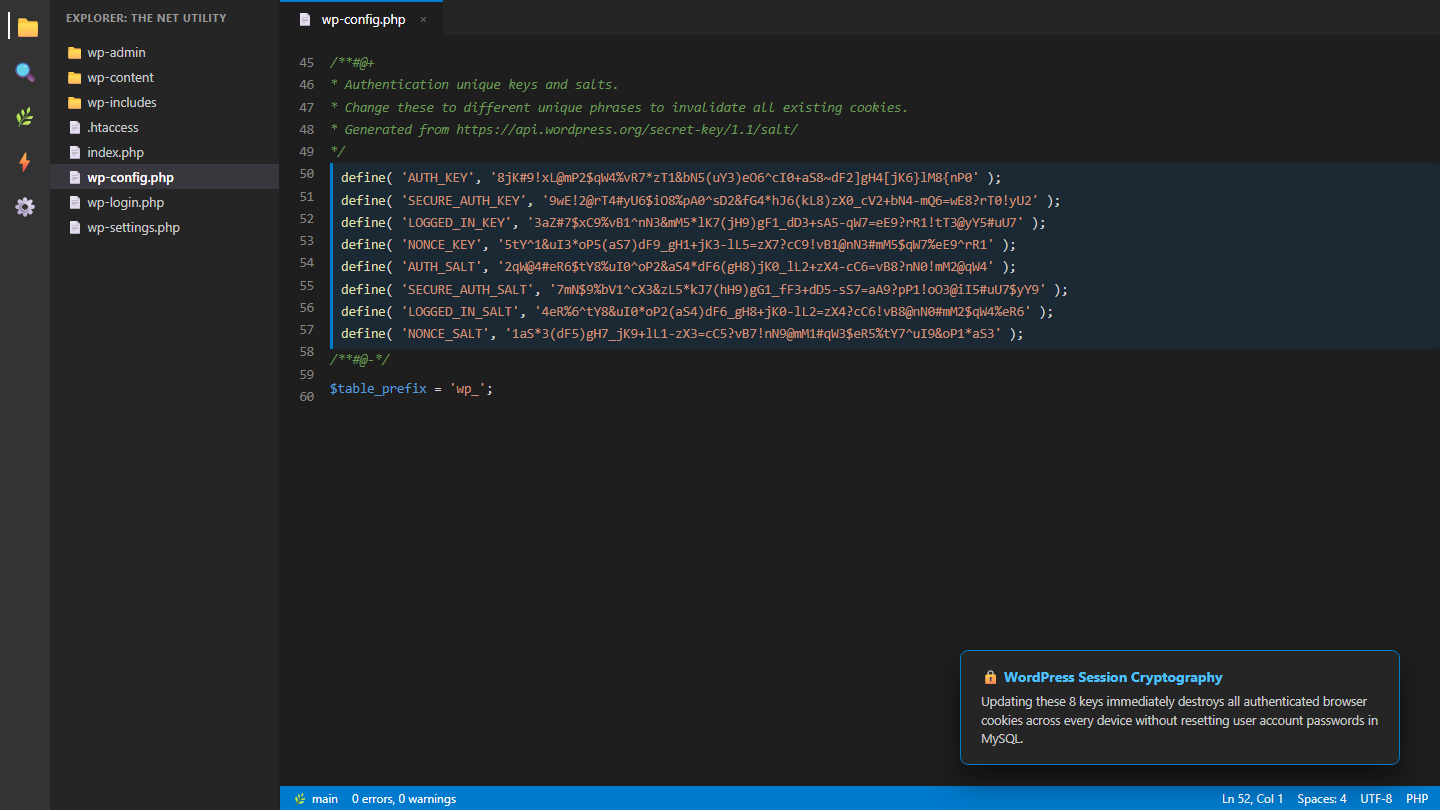
Maintaining a secure WordPress website requires proactive defenses against session hijacking and unauthorized administrative access. One of the most powerful, underutilized security mechanisms built into…
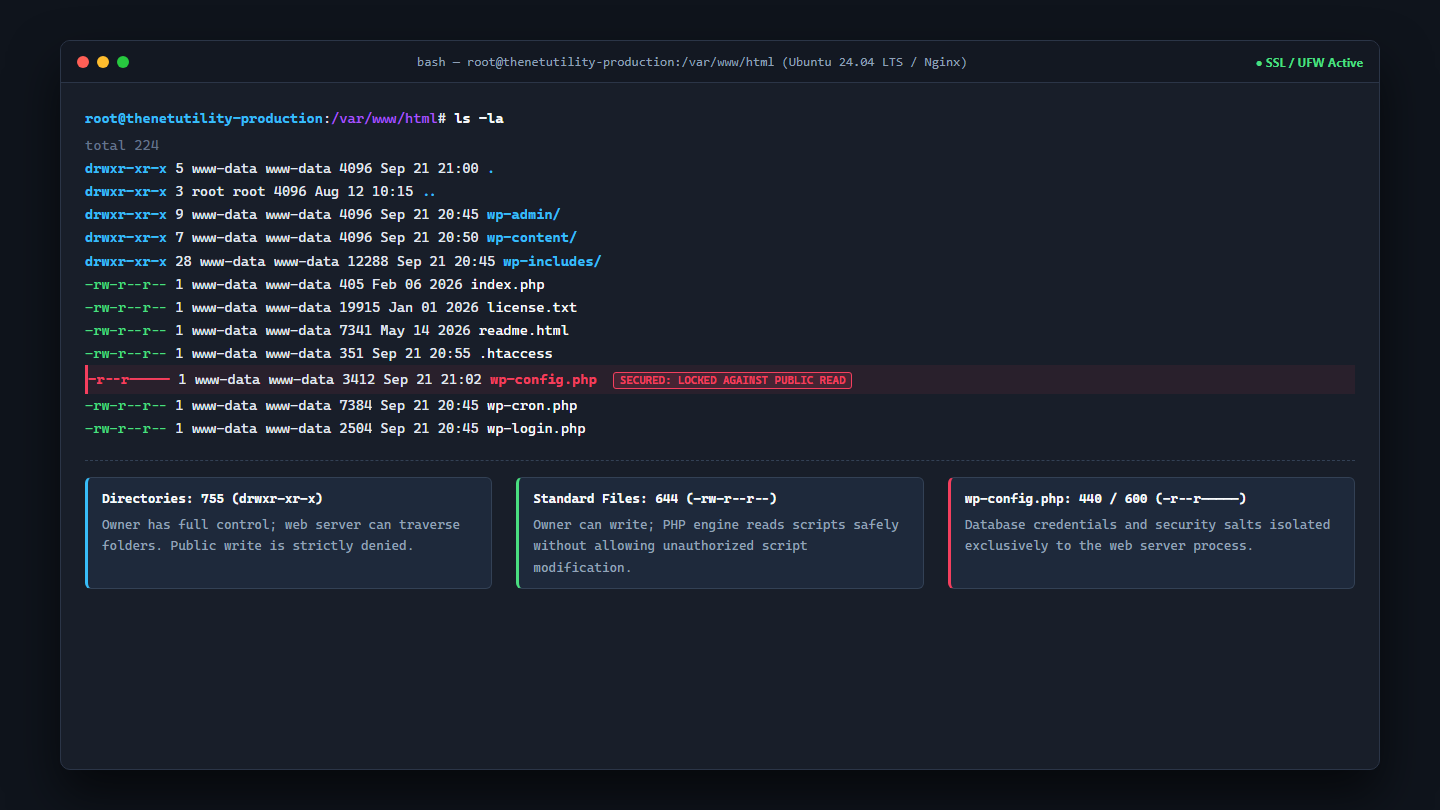
File permissions form the first line of defense for any WordPress installation hosted on Linux, Apache, or Nginx servers. Incorrect permissions represent one of the…
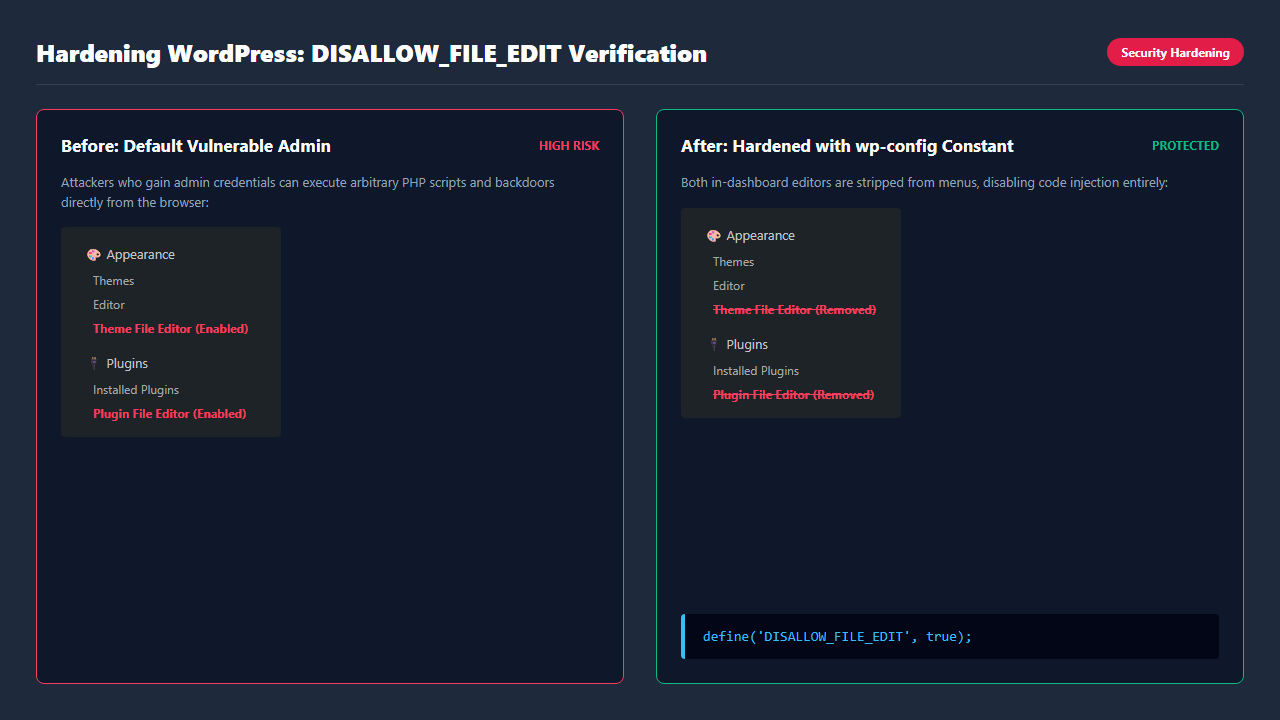
Inside the standard WordPress dashboard, navigating to Appearance → Theme File Editor or Plugins → Plugin File Editor reveals a built-in code editor. While originally…
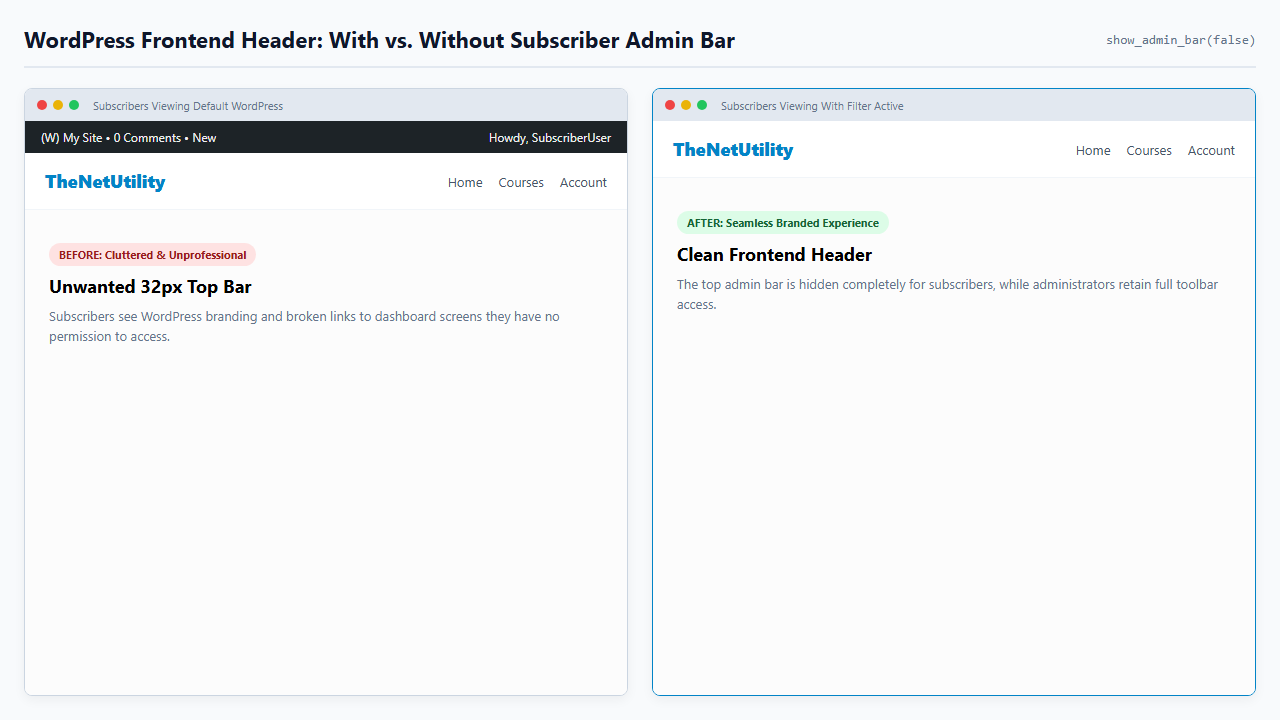
When users log into your WordPress site—whether they are members of a paid community, ecommerce customers on WooCommerce, or registered students on an LMS platform—WordPress…
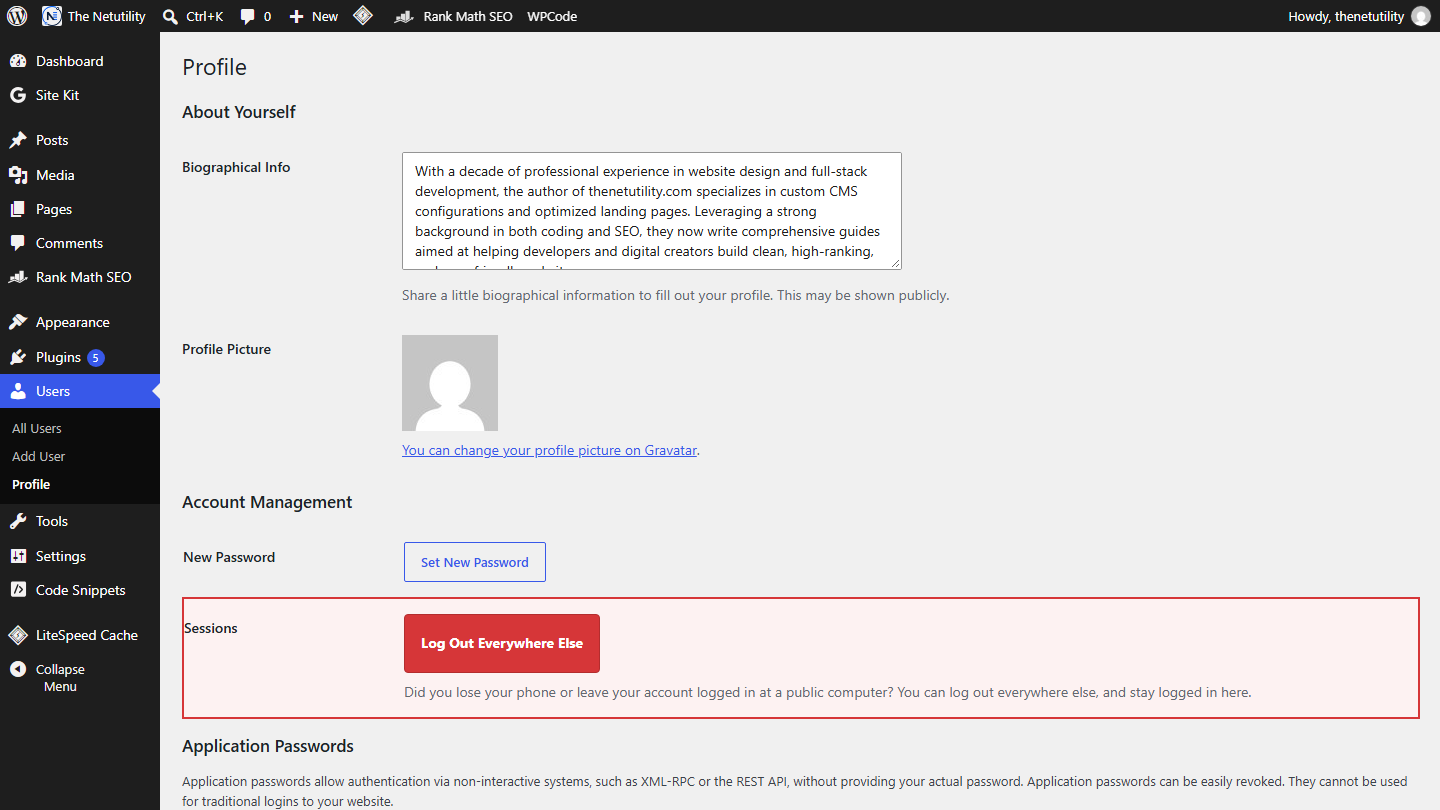
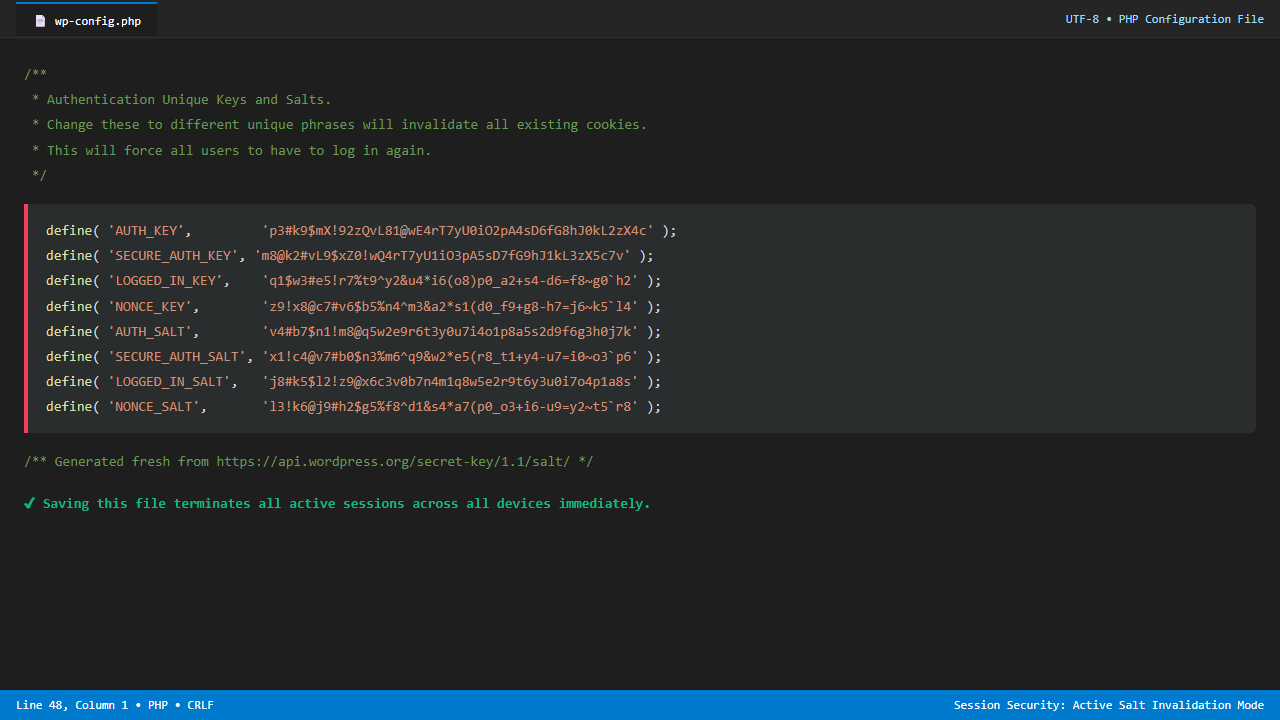
When a WordPress site experiences suspected security breaches, staff turnover, lost administrator laptops, or compromised credentials, terminating all active user sessions is one of the…
In standard WordPress installations, user accounts assigned the Contributor role face a major operational hurdle: while they can draft, edit, and format their own articles,…
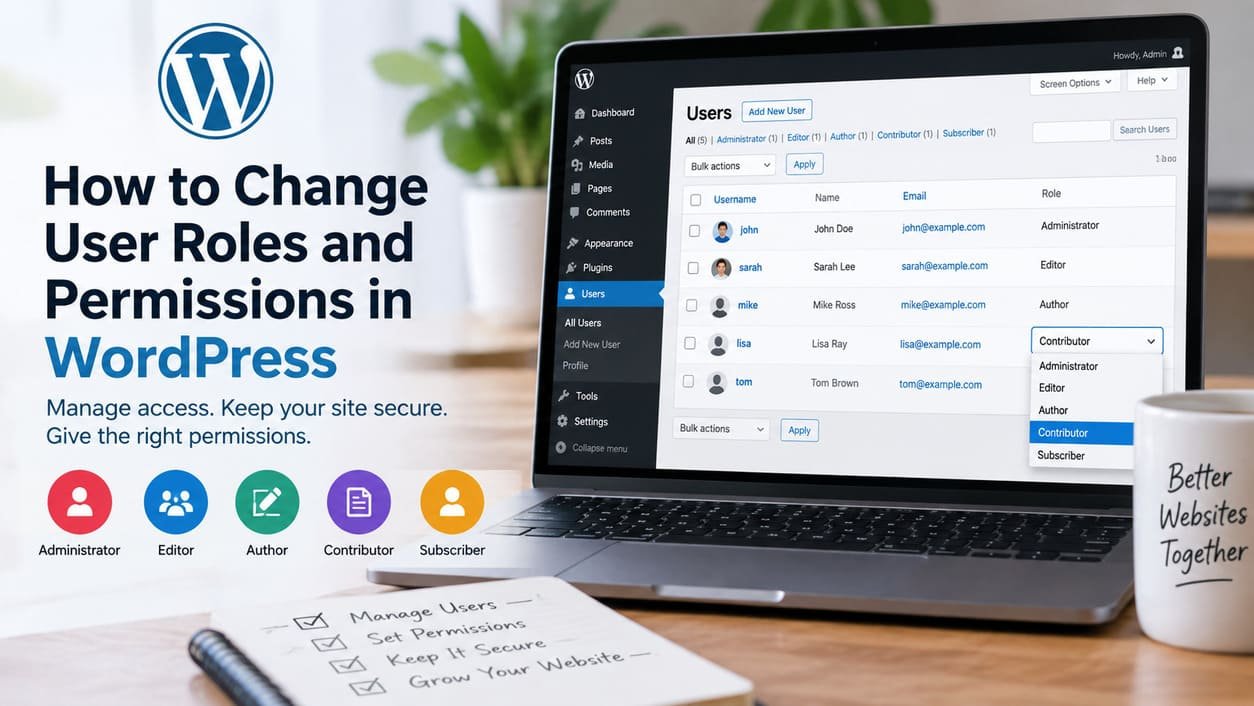
Learn how to change WordPress user roles, update multiple users, adjust capabilities safely, choose the right access level, and fix permission problems.