
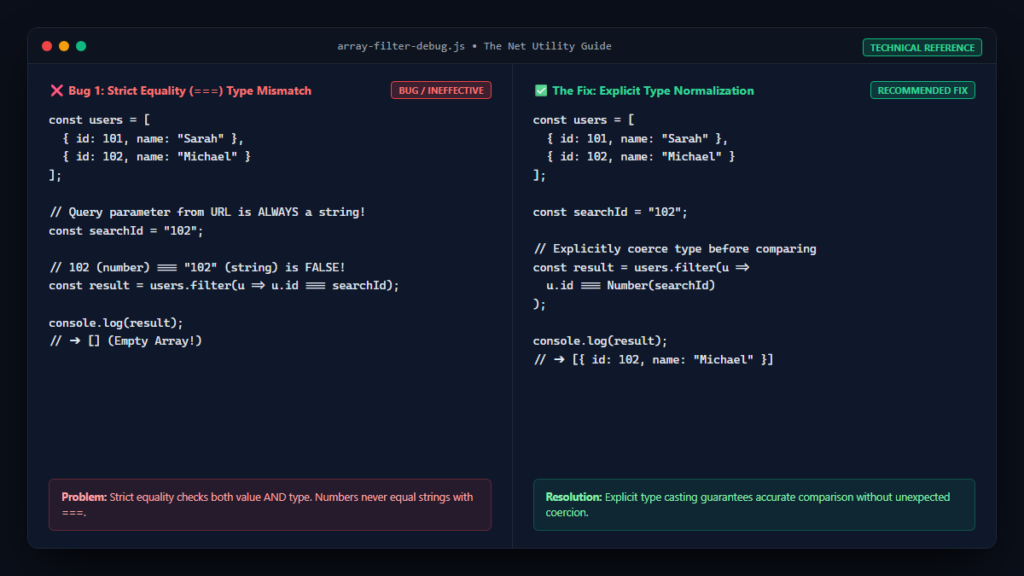
Filtering arrays of objects or primitive values is a fundamental building block of JavaScript development. Whether you are searching an inventory catalog, validating form inputs, or parsing API responses, Array.prototype.filter() provides an elegant declarative syntax.
Yet, few debugging scenarios are more perplexing than writing what appears to be a bulletproof filtering condition, only to find that filter() returns an empty array: []. Because filter() never throws an error when elements fail your test, silent logic bugs can easily make their way into production. In this exhaustive technical guide, we will analyze the inner workings of filter() as defined by the ECMAScript standard, dissect the most common logic pitfalls—including loose vs. strict equality, asynchronous callback failures, and reference traps—and show you how to write resilient array filtering code.
How Array.prototype.filter() Evaluates Elements
According to the official ECMAScript specification (ECMA-262) and the MDN Web Docs on Array.prototype.filter(), the filter method constructs a shallow copy of a portion of a given array, filtered down to just the elements that pass the test implemented by the provided callback function.
The callback must evaluate to a truthy value for an element to be included in the returned array:
- The callback is invoked for every existing index in the source array.
- The returned result of the callback is converted to a boolean via the abstract
ToBooleanoperation. - If the boolean conversion evaluates to
true, the element is pushed into the new accumulator array. - If the boolean conversion evaluates to
false,0,"",null,undefined, orNaN, the element is skipped.
When your filter returns [], it means that every single element in your array evaluated to a falsy value when tested against your predicate. Let us examine the top reasons why this happens.
Pitfall 1: Type Mismatches with Strict Equality (===)
By far the most prevalent bug occurs when comparing values derived from different data sources—such as URL query parameters or HTML form inputs—against numeric IDs stored in your database.
The Broken Code:
const users = [
    { id: 101, name: "Sarah" },
    { id: 102, name: "Michael" },
    { id: 103, name: "David" }
];

// Query parameters from URL are always strings!
const searchId = "102";

// BUG: Strict equality checks both value AND type.
// Number(102) === String("102") evaluates to FALSE!
const filtered = users.filter(user => user.id === searchId);

console.log(filtered);
// Output: []
The Fix:
Always normalize your data types before comparing them, rather than falling back to loose equality (==) which can lead to unpredictable coercion:
// Explicitly parse or cast types
const filtered = users.filter(user => user.id === Number(searchId));

console.log(filtered);
// Output: [{ id: 102, name: "Michael" }]
Pitfall 2: Asynchronous Callbacks Inside filter()
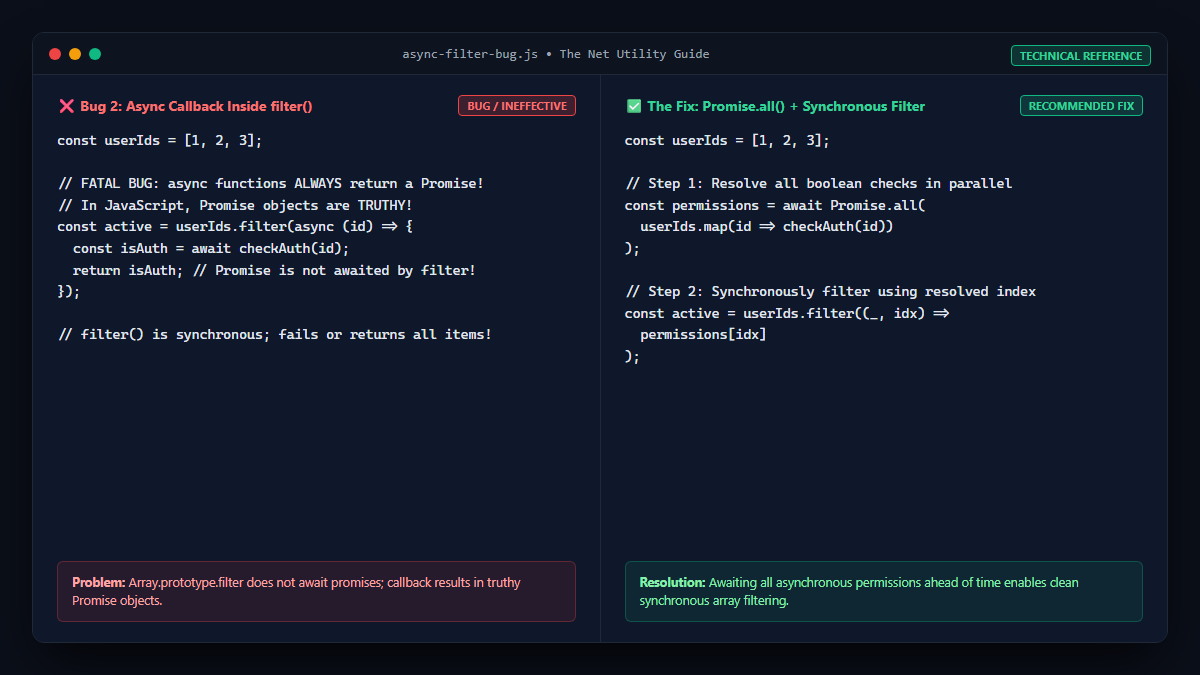
A frequent misunderstanding among developers modernizing legacy code is attempting to pass an async callback function into filter().
The Broken Code:
async function checkPermissions(userId) {
    const res = await fetch(`/api/permissions/${userId}`);
    const data = await res.json();
    return data.isActive; // Returns true or false
}

const userIds = [1, 2, 3];

// FATAL BUG: An async function ALWAYS returns a Promise object!
// In JavaScript, any object (including a Promise) is TRUTHY,
// or fails to resolve synchronously in the callback!
const activeUsers = userIds.filter(async (id) => {
    const active = await checkPermissions(id);
    return active;
});
Because Array.prototype.filter() is entirely synchronous, it does not await the returned Promise. Since an unresolved Promise object is technically truthy, filter() might retain all items prematurely, or return an empty array if an unhandled rejection occurs!
The Proper Async Solution:
Use Promise.all() to resolve your conditions before filtering:
const userIds = [1, 2, 3];

// Step 1: Resolve all boolean checks in parallel
const permissions = await Promise.all(
    userIds.map(id => checkPermissions(id))
);

// Step 2: Synchronously filter using the resolved boolean index
const activeUsers = userIds.filter((_, index) => permissions[index]);
To dive deeper into handling network calls properly, read our companion article on why fetch() does not throw an error for 404 or 500.
Pitfall 3: Case-Sensitivity and Whitespace in String Matching
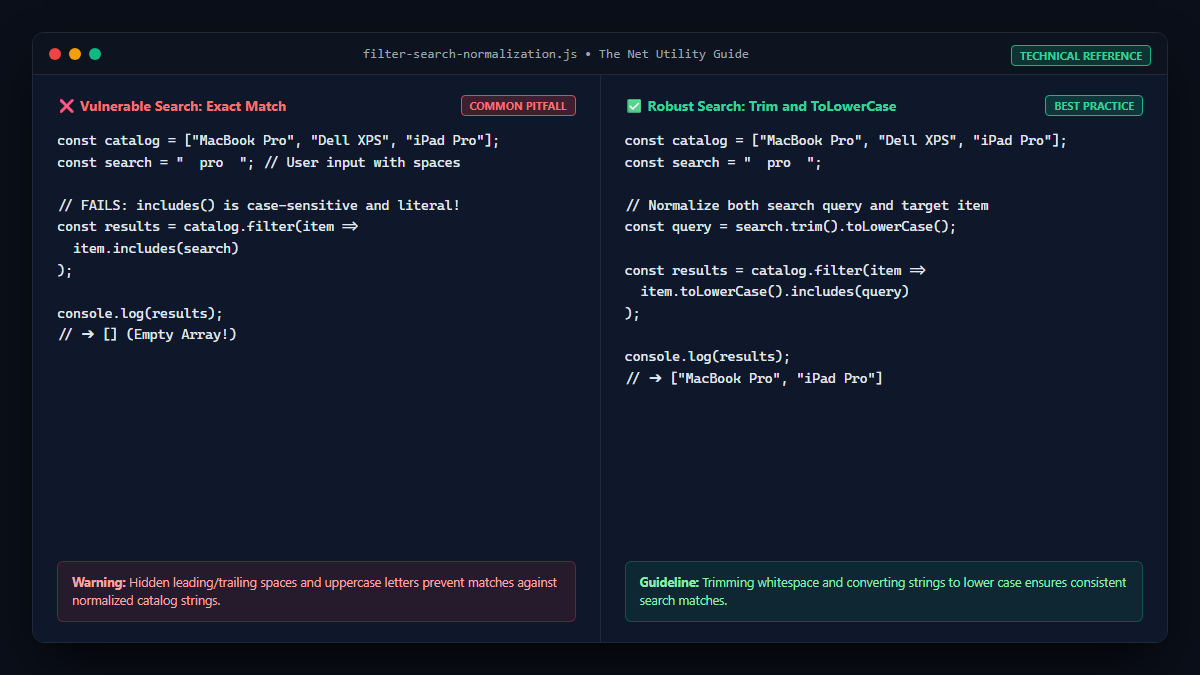
When filtering text strings based on user input, variations in capitalization and invisible trailing whitespace will cause strict comparisons or includes() checks to fail completely.
The Fix:
const products = ["MacBook Pro", "Dell XPS", "ThinkPad X1", "iPad Pro"];
const searchTerm = "  pro  ";

// Robust normalization: trim whitespace and convert to lower case
const normalizedSearch = searchTerm.trim().toLowerCase();

const matches = products.filter(product =>
    product.toLowerCase().includes(normalizedSearch)
);

console.log(matches);
// Output: ["MacBook Pro", "iPad Pro"]
Pitfall 4: Object Reference Comparison
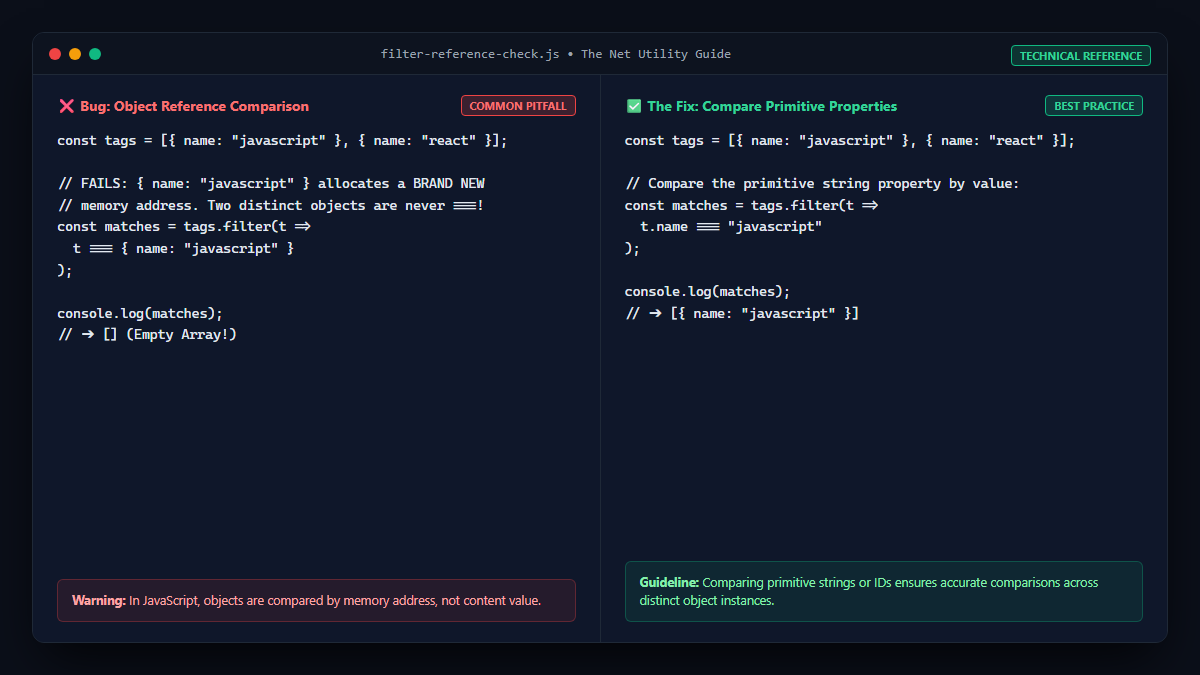
In JavaScript, primitive types (strings, numbers, booleans) are compared by value, but objects, arrays, and functions are compared by reference (memory address).
The Broken Code:
const list = [
    { tag: "tech" },
    { tag: "design" }
];

// BUG: { tag: "tech" } creates a BRAND NEW object in memory with a distinct address.
const result = list.filter(item => item === { tag: "tech" });

console.log(result);
// Output: []
The Fix:
Compare the unique primitive property of the object instead of the object instance itself:
const result = list.filter(item => item.tag === "tech");
console.log(result);
// Output: [{ tag: "tech" }]
Debugging Decision Tree for Empty Filter Results
| Check | Debugging Command | Typical Root Cause |
|---|---|---|
| Source Array Empty? | console.log(arr.length) | Asynchronous fetch has not yet populated state |
| Type Mismatch? | typeof item.id, typeof query | Comparing number against string with === |
| Case/Whitespace? | JSON.stringify(query) | Hidden spaces or mixed casing |
| Falsy Return? | console.log(Boolean(predicate)) | Callback returning undefined instead of explicit boolean |
For more insights on JavaScript array callback behavior, see our guide on why JavaScript map() returns undefined and how to fix it.
