
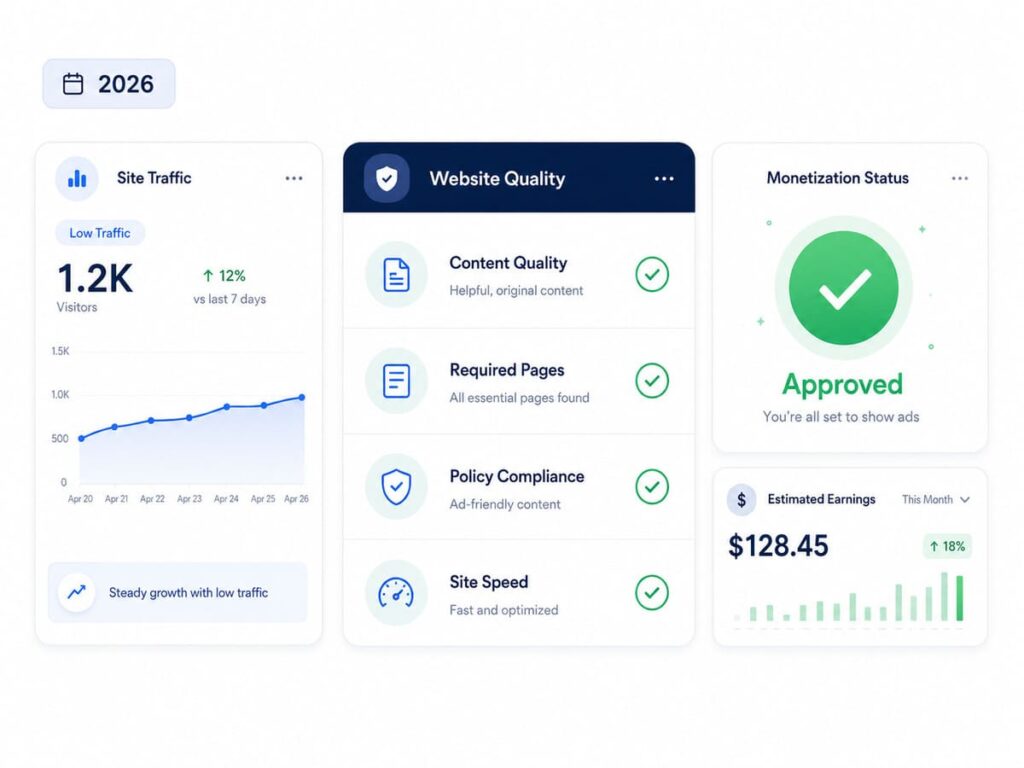
Yes, you can get Google AdSense approval even with low traffic. AdSense has no minimum traffic rule. What really matters is original and helpful content, a few important pages, and a clean, secure site that Google can find. In this guide I will show you exactly what to fix so you get approved fast.
Many beginners wait for thousands of visitors before they apply. They do not need to. If your content is good and your site is set up the right way, low traffic will not stop you. Lets see it in simple steps.
Do You Need a Lot of Traffic for AdSense?
No, you do not. This is the biggest myth about AdSense. There is no visitor count you must reach to get approved. A site with 10 real readers a day can pass if the content is strong.
There is one small catch. Google still wants to see that real people use your site. A site with zero visitors looks empty, like a shop with no customers. So you do not need high traffic, but a little real traffic helps. The best way to get it is free search traffic, which you can build by learning what SEO is and how it works.
What Google Actually Checks Before Approval
Instead of traffic, Google looks at the quality and setup of your site. Here is what it checks:
- Original content. Your posts must be written by you and must help the reader. Copied or low value content is the number one reason sites get rejected.
- Enough content. Your site should feel complete, not half built.
- Important pages. You need an About, Contact, Privacy Policy, Disclaimer, and Terms page.
- A secure site. Your site must use HTTPS, which is the small lock you see in the browser bar.
- Clean design. A simple menu, easy reading, and a layout that works well on a phone.
- Safe topics. No adult, violent, copied, or illegal content.
How Much Content Do You Need?
There is no magic number, but a safe target is about 15 to 25 helpful posts before you apply. Each post should fully answer one question or topic. For example, one strong post that solves a real problem is worth more than five short, thin ones. Quality wins here, not count.
The Pages Your Site Must Have
Missing pages is one of the most common reasons for rejection. These pages build trust and show Google that a real person runs the site. Make sure you have:
- About: who you are and what your site is about.
- Contact: a way for people to reach you, like an email or a form.
- Privacy Policy: how you handle visitor data and ads. AdSense needs this one.
- Disclaimer: a note that your content is for general help.
- Terms: the rules for using your site.
Add links to all of these in your footer so they are easy to find.
Why Most Sites Get Rejected (and How to Fix Each)
If you know why sites fail, you can avoid every mistake. Here are the common reasons and the fix for each one:
- Low value content. Fix: write deeper, original posts that fully answer the reader. Remove thin or empty pages.
- Copied content. Fix: write in your own words, and check each post with a free plagiarism tool before you publish.
- Missing pages. Fix: add the About, Contact, Privacy Policy, Disclaimer, and Terms pages above.
- Site not found by Google. Fix: verify your site in Google Search Console and make sure your posts show up in search.
- Other ads on the page. Fix: remove any other ad networks or affiliate banners before you apply.
- Messy design. Fix: use a clean theme, a clear menu, and test that everything works on mobile. A fast site helps too, so check my guide on how to improve Core Web Vitals in WordPress.
Step by Step: How to Apply for AdSense
Follow these steps in order for the smoothest approval:
- Get a custom domain, like a .com or .in, and turn on HTTPS.
- Publish about 15 to 25 helpful, original posts.
- Add the five important pages and link them in your footer.
- Verify your site in Google Search Console and get your pages indexed.
- Use a clean, mobile friendly design with a simple menu.
- Remove any other ads or affiliate banners from your site.
- Sign up at adsense.google.com with the same Gmail you used for Search Console.
- Add the AdSense code to your site, submit, and wait for the review.
How Long Does Approval Take?
For most sites, the review takes a few days to two weeks. Sometimes it can take up to a month. If you get rejected, do not apply again right away. First read the reason Google gives you, fix that exact problem, and only then reapply. Applying again without a fix usually leads to another rejection.
A Quick Checklist Before You Apply
- 15 to 25 original, helpful posts are live.
- About, Contact, Privacy Policy, Disclaimer, and Terms pages are ready.
- HTTPS is on and the site looks clean on mobile.
- The site is verified in Search Console and your posts are indexed.
- No other ads or banners are on the page.
- Every post is original and passes a plagiarism check.
Frequently Asked Questions
Can I get AdSense approval with low traffic?
Yes. There is no minimum traffic rule. Strong, original content and a complete site matter far more than visitor numbers.
How many posts do I need?
There is no fixed number. About 15 to 25 helpful, original posts is a safe target, and quality counts more than the exact count.
How old does my site need to be?
It does not need to be old. A few weeks is fine, as long as Google has found and indexed your pages.
Why was my site rejected for low value content?
It means Google did not find enough original, helpful content. The fix is to add deeper posts, remove thin ones, then reapply.
Can I use a free blog or subdomain?
You can, but a custom domain is trusted more and usually gets approved faster.
Final Words
Low traffic is not what stops people from getting AdSense. A weak or incomplete site is. So focus on what you can control. Write original posts that truly help, add the five important pages, and keep your site secure, clean, and indexed.
Do these and you give your site a real chance to get approved fast, even with few visitors. Once you are approved, your next goal is to earn more from each visitor, and I cover that in my guide on how to increase your page RPM in AdSense.
