
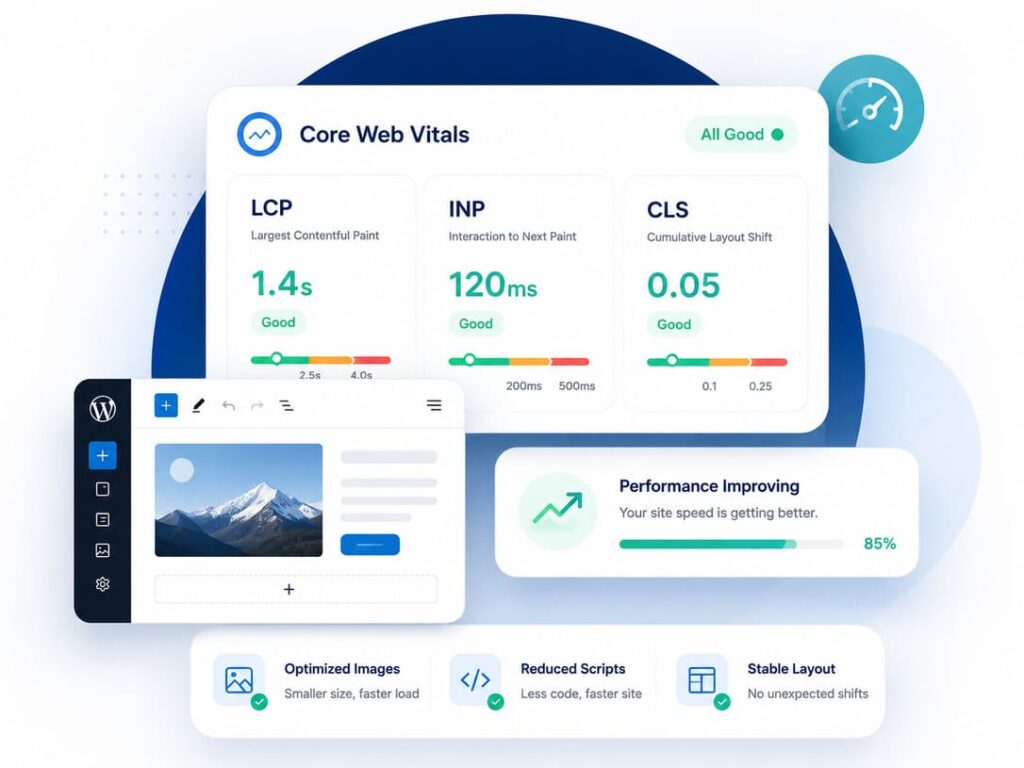
Core Web Vitals are three scores from Google. They check if your web page is fast, quick to react, and steady while it loads. To pass, your page should load its main part in under 2.5 seconds, react to a tap in under 200 milliseconds, and barely move while it loads. On most WordPress sites, slow loading is the biggest problem. So we will fix that first.
Have you opened a speed test, seen a red score, and felt confused? You are not alone. The good news is that you can fix this. You do not need to be a coder. You just need to know what to do and in what order. I will show you, step by step, in plain words.
What Are Core Web Vitals?
Core Web Vitals are three checks. Google uses them to see how your page feels to real people who visit it. Here is what each one means in simple words:
- LCP (Largest Contentful Paint): how fast the biggest thing on your page shows up, like a large photo or a heading. A good score is under 2.5 seconds.
- INP (Interaction to Next Paint): how fast your page answers when someone taps or clicks. Think of a light switch. You press it, and you want the light right away. A good score is under 200 milliseconds, which is less than a quarter of a second.
- CLS (Cumulative Layout Shift): how much your page jumps around while it loads. A good score is under 0.1, which means it barely moves.
Two rules matter here:
- Google looks at your real visitors, not just one test. It checks how the page felt for most of them over the last 28 days.
- All three checks must pass at the same time. If even one is bad, the whole page fails.
Why Core Web Vitals Matter for Your WordPress Site
Google uses these scores to help decide where your page shows up in search. They will not fix weak writing. But when two pages are alike, the faster one often wins.
Here is the good news. Most WordPress sites fail these checks. Fewer than half of them pass. So if you fix yours, you jump ahead of a lot of other sites.
Speed helps your sales too. In one real story shared by Google, a company called Vodafone made its page load faster and got 8 percent more sales.
How to Measure Your Core Web Vitals First
Before you change anything, find out where you stand. I use two free tools:
- PageSpeed Insights: paste your web address, and it gives you a score plus some tips.
- The Core Web Vitals report in Google Search Console: this shows how all your pages are doing.
One thing to know. A speed test gives you two kinds of results:
- Lab data: one quick test. Good for a fast check.
- Field data: the real scores from your visitors over the last 28 days. This is the one Google really uses.
So run a quick test to start, but trust the field data for the real story.
How to Improve LCP (Start Here)
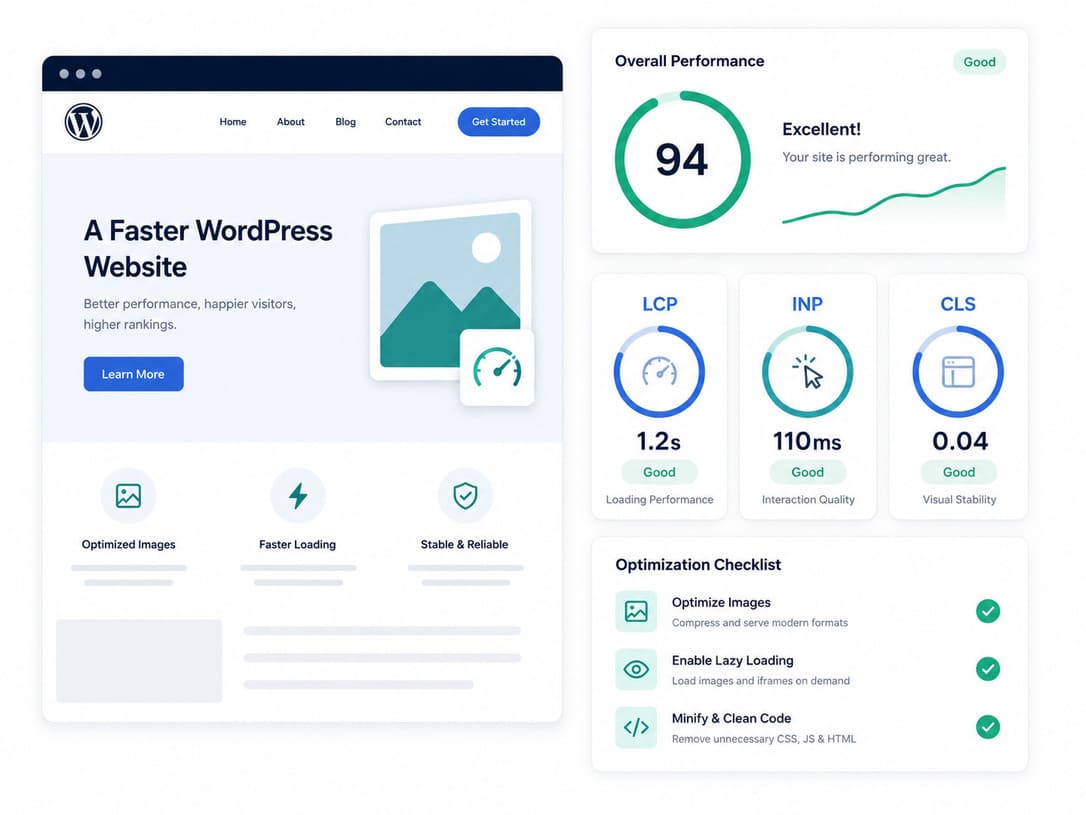
For WordPress, slow loading is almost always the main problem. So spend most of your time here. LCP is about how fast your biggest item shows up, which is often a large image at the top. Here is how to make it faster:
- Get faster hosting. Your host is the computer that holds your site. If it is slow to answer, more than about half a second, no plugin can fully fix that. Cheap shared hosting is often slow. Managed WordPress hosting or a VPS is usually faster.
- Turn on caching. Caching saves a ready made copy of your page, so the server does not have to build it again for every visitor. You already use a caching plugin, so make sure it is switched on.
- Shrink your images. Big images are the number one reason WordPress sites load slowly. Make each image smaller before you upload it, and use a lighter type like WebP. I show you how in my guide on how to convert images to WebP in WordPress.
- Load your main image first. If your biggest item is a top image, tell the browser to grab it early. This is one of the best fixes.
- Cut down heavy code. Some files stop your page from showing until they finish loading. Making them smaller, and loading the less important ones later, helps your page appear sooner.
- Add a CDN. A CDN keeps copies of your site on computers around the world, so each visitor is served from one nearby. This speeds things up. For more, see my guide on speeding up WordPress without a plugin.
How to Improve INP (How Fast Your Page Reacts)
INP checks how quickly your page answers when someone taps or clicks. Good news: WordPress is usually strong here. A few small fixes do the job:
- Remove plugins you do not use. Each plugin can add code that slows things down.
- Hold back code that is not needed right away, so the page can react to the visitor first.
- Use fewer outside tools, like extra chat boxes, social feeds, and trackers. Keep only the ones you really need.
How to Improve CLS (Stop the Page From Jumping)
Have you ever tried to tap a button, but an image popped in and pushed it away? That jump is what CLS measures. The fixes are easy:
- Always set a width and height for every image, video, and ad. Then the browser saves that space, and nothing jumps.
- Save space for ads and anything that loads late.
- Set your fonts to swap, and load your main font early, so the text does not flash and move.
- Never push new boxes in above what the reader is already looking at.
A Simple Setup for Beginners
You do not need many plugins. Too many can make your site slower and harder to fix. A clean setup is just three things:
- Good hosting
- One trusted caching plugin
- One image helper plugin
Get these three right, do the steps above, and you are already ahead of most WordPress sites.
Check Again, Then Wait
After you make changes, run the speed test again to see the quick score go up. Then be patient. The real scores in Search Console use the last 28 days of visitors, so they take a few weeks to catch up. This is normal. Keep your fixes in place and check back later.
Common Mistakes to Avoid
- Hiding your top image with lazy loading by mistake. Lazy loading means images load only when needed. That is great for images lower down, but not for your top image. I explain the safe way in my guide on lazy loading images in WordPress.
- Installing too many speed plugins that fight each other.
- Forgetting to set image and video sizes.
- Staying on slow, cheap hosting and hoping a plugin will fix it.
- Watching the quick test score but ignoring the real visitor data.
Frequently Asked Questions
What is a good Core Web Vitals score?
Your page should load in under 2.5 seconds, react in under 200 milliseconds, and barely move, which means under 0.1. This must be true for most of your visitors, and all three must pass together.
Why is my WordPress site failing?
Most of the time it is slow loading. This often comes from big images, slow hosting, or too much code. So start by looking there.
Do these scores really change my Google ranking?
Yes. They are one of the things Google checks. They will not beat great writing, but between two similar pages, the faster one can win.
Can I fix this without a coder?
Most of the time, yes. Better hosting, caching, smaller images, and setting image sizes cover most problems, and a beginner can do all of them.
How long until my score gets better?
The quick test can change right away. But the real scores use the last 28 days, so give it a few weeks.
Final Words
Core Web Vitals sound hard, but the path is simple. On WordPress, fix loading first, because that is almost always the weak spot. The main steps are easy to remember:
- Get good hosting
- Turn on caching
- Shrink your images
- Set sizes on everything that loads
Do this and you help both your ranking and your readers, because a fast, steady page is just nicer to use. To keep going, read my guide on speeding up WordPress without a plugin. And if you are still new to all this, start with what SEO is and how it works.
