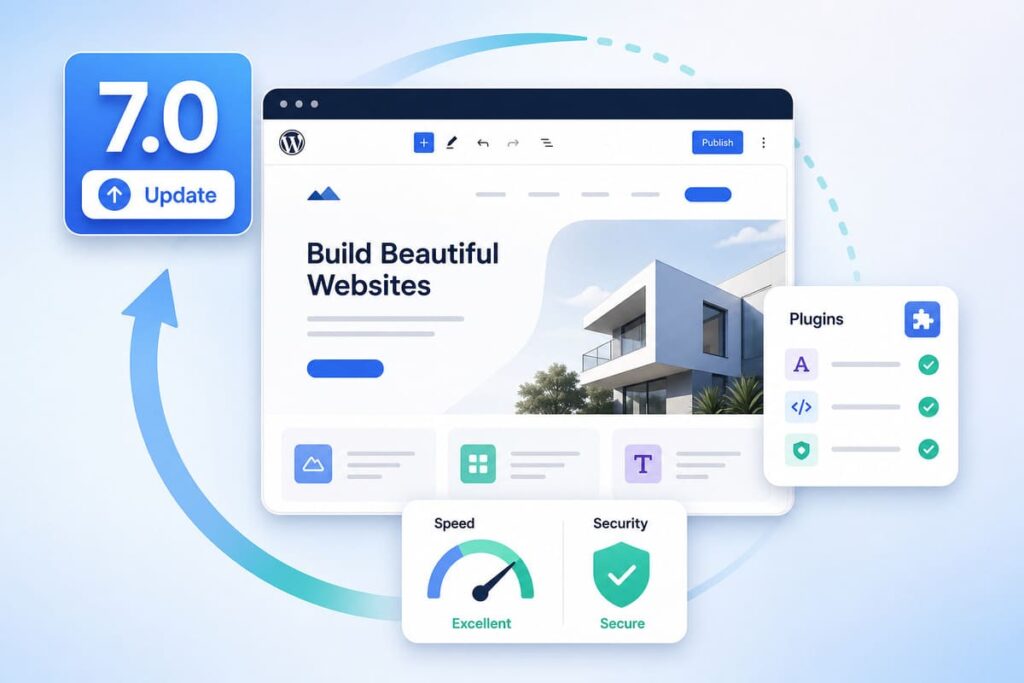
WordPress 7.0 came out on May 20, 2026, with the codename Armstrong. The biggest change is that AI is now built into the core of WordPress, but as wiring for other tools, not as a writer that writes your posts. You also get a faster admin area and a few new blocks. The much talked about real-time editing was delayed to a later version. For most site owners, the smart move is to wait a little and test before you update.
WordPress 7.0 is the first major update of 2026, and it is a big one. Below is what is new, what it means for your site, and how to update without breaking anything.
When Did WordPress 7.0 Come Out?
WordPress 7.0 was released on May 20, 2026. It was first planned for April 9, but the team pushed it back about six weeks to fix stability problems and make the release solid. It builds on WordPress 6.9, which came out in December 2025. The team also gave it a codename, Armstrong, after the jazz legend Louis Armstrong.
The Big New Features in WordPress 7.0
Here are the main changes you will notice and what each one does.
AI built into the core
This is the headline change. For the first time, AI is part of WordPress itself, not just an add-on plugin. But there is an important point here. WordPress 7.0 does not add a robot that writes your posts for you. Instead, it adds the wiring that lets AI tools connect to your site in one standard way. In simple terms:
- You can connect your site to an AI provider of your choice, like OpenAI, Anthropic, or Google.
- You set it up once, and any plugin that supports it can use that connection.
- No more adding a separate key for every AI plugin.
So the AI part is a foundation for the future. The real benefits will grow as plugins start to use it.
A faster, fresher admin area
The admin area is the control panel where you manage your site. In 7.0 it got a modern update:
- Lists of posts and pages load and sort faster, without full page reloads.
- A new command tool lets you jump to tasks quickly by typing, a bit like a search bar for your dashboard.
- A visual revisions screen shows your past changes with clear colors, so you can see exactly what changed.
New blocks and design tools
A block is a piece of content you add to a page, like a paragraph, an image, or a button. WordPress 7.0 adds a few helpful ones:
- An Icon block, so you can add simple icons without a plugin.
- A Breadcrumbs block, which shows the path back to your home page and is good for easy navigation.
- A new way to add custom CSS to a single block, right inside the editor, which makes small design tweaks easier.
What About Real-Time Editing?
Before launch, the headline feature was real-time editing. This is the Google Docs style of working, where many people edit the same page at the same time and see each other’s changes live.
But the WordPress team removed it from 7.0 at the last minute. During testing it caused speed and stability problems, so they chose to ship a strong release without it. The feature is not dead. It is being reworked and is expected in WordPress 7.1, around August 2026. So if you were waiting for live team editing, that wait continues for now.
What WordPress 7.0 Means for Your Site
Here is the honest picture for a normal site owner. Right now, the day to day change is small. You can keep writing and managing your site just as before.
- If you run a small blog or business site, you mainly get a faster, cleaner dashboard and a couple of new blocks.
- If you are a developer or run a team, the AI wiring and new tools matter more, because they open the door to smarter plugins later.
- For everyone, this release sets the stage for bigger features, like team editing, in the updates that follow.
Should You Update Right Now?
For most websites, there is no rush. A simple rule works best:
- If you run a small blog or business site, wait a week or two. Early updates often get small fix releases, like 7.0.1, that smooth out bugs.
- If you are a developer or agency, test 7.0 on a staging copy now, so you are ready.
- Either way, never update a live site without a backup and a test first.
How to Update Safely
When you are ready, follow these steps in order:
- Check your PHP version. Go to Tools, then Site Health, in your dashboard. WordPress 7.0 runs best on PHP 8.3 or higher, so ask your host to update it if you are on an older one.
- Back up your whole site. Save your files and database, so you can undo the change if needed.
- Test on a staging site. This is a private copy of your site where you can try the update safely. Many hosts set one up in one click. If you want to learn the basics of moving a WordPress site, see my guide on moving WordPress from localhost to a live website.
- Check your plugins. On each plugin’s page, look at the “Tested up to” line to see if it supports 7.0. Page builders, SEO plugins, and WooCommerce add-ons need the most care.
- Update your live site only after testing, then keep an eye out for any problems.
Frequently Asked Questions
When was WordPress 7.0 released?
It was released on May 20, 2026, with the codename Armstrong. It was delayed from its first date of April 9 to make it more stable.
Does WordPress 7.0 write posts with AI?
No. It adds the wiring for AI tools to connect to WordPress. You still choose and add an AI tool yourself. There is no built in writer.
Does WordPress 7.0 have real-time editing?
No, not yet. It was planned but removed before launch because it was not stable. It is expected in WordPress 7.1, around August 2026.
What PHP version do I need?
At least PHP 7.2, but PHP 8.3 or higher is strongly recommended for better speed and security.
Will my site break if I update?
Most well kept sites will be fine. The main risk is with old plugins and page builders, so test on a staging copy before you update the live site.
Final Words
WordPress 7.0 is a big step. It brings AI into the core, gives you a faster admin area, and adds handy new blocks, even though the real-time editing feature had to wait. For most site owners, the day to day change is small right now, so there is no need to rush.
Check your PHP version, make a backup, test on a staging copy, then update when you and your plugins are ready. If you want your site to stay fast and healthy after the update, read my guide on how to improve Core Web Vitals in WordPress.
