
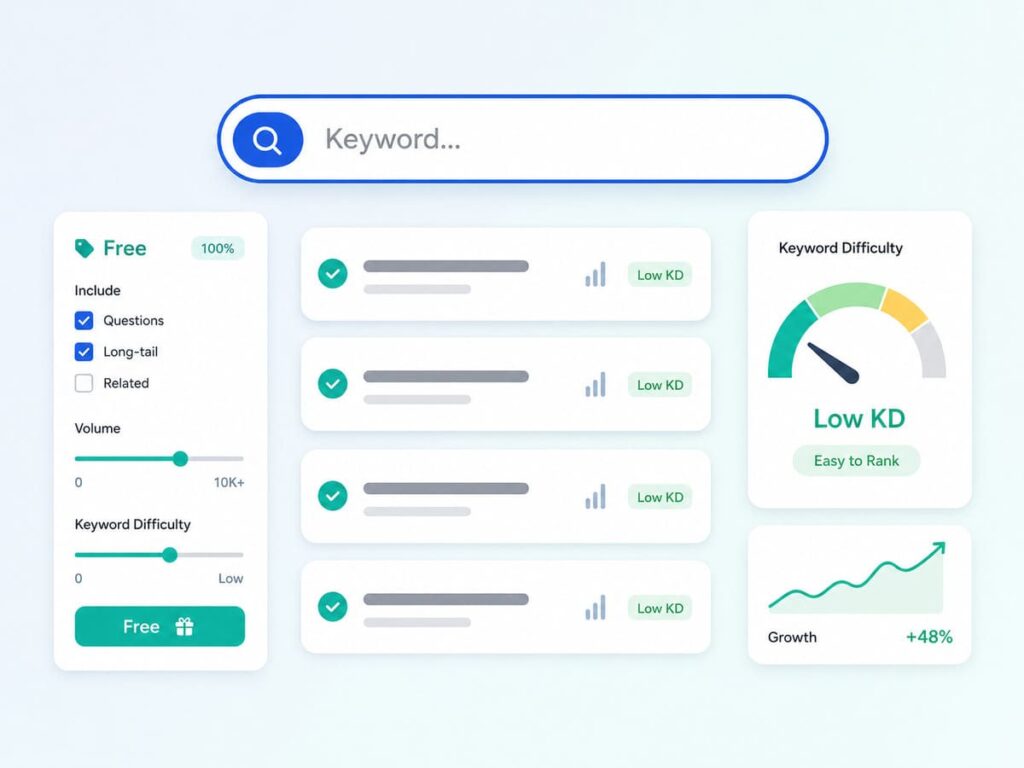
Keyword research means finding the words and questions people type into Google, so you can write content that matches them. As a beginner, the trick is to aim for low competition keywords, which are longer, more specific phrases that big sites often ignore. You can find them for free using a few simple Google tools, and this guide shows you exactly how.
Many new bloggers write posts and then wonder why no one finds them. Often the reason is simple. They picked keywords that are too hard to rank for. The fix is to choose easier keywords from the start, and you do not need any paid tools to do it.
What Is Keyword Research?
A keyword is the word or phrase someone types into Google. Keyword research is the work of finding those phrases, so you know what real people are searching for. When you write a post around a keyword people actually use, you give your content a real chance to be found.
What Are Low-Competition Keywords?
Competition means how hard it is to rank for a keyword. Some keywords are crowded, because many strong websites already target them. Those are high competition. Others are quieter, with fewer strong pages in the way. Those are low competition, and they are the ones a new site can actually win.
Low competition keywords are usually long tail keywords. A long tail keyword is a longer, more specific phrase, often three or more words. They get fewer searches each, but they are far easier to rank for, and the people searching them know exactly what they want.
Why Long Tail Keywords Are Best for Beginners
Here is a simple example. Compare these two keywords:
- shoes is short, very broad, and almost impossible for a new site to rank for.
- best running shoes for flat feet is longer, clearer, and much easier to rank for.
The second one has fewer searches, but you can actually reach page one with it. It also brings the right reader, someone who knows what they want and is closer to taking action. Win enough of these small keywords, and the traffic adds up fast.
Free Tools You Can Use
You do not need to pay for anything to start. These free tools are enough:
- Google autocomplete: start typing in the Google search bar and look at the suggestions. Those are real searches people make.
- People also ask and Related searches: these boxes on the Google results page show questions and phrases linked to your topic.
- Google Trends: check if a topic is rising or fading, so you pick keywords with a future.
- Google Keyword Planner: free with a Google account, it shows rough search numbers and related ideas.
- Google Search Console: once your site is live, this shows the exact searches that already bring people to you.
How to Do Keyword Research Step by Step
Follow these steps in order, and you will have a list of easy keywords to write about:
- Start with a topic you know well.
- Write down a few basic phrases people might search for it.
- Type each phrase into Google and collect the autocomplete and “people also ask” ideas.
- Look for long, specific, question style phrases. These are your low competition targets.
- Check the search intent, which means the reason behind the search. Make sure your post can give the reader what they actually want.
- Check the competition, which the next section explains.
- Pick a few easy keywords and write one helpful post for each.
How to Tell if a Keyword Is Low Competition
You can judge competition for free, just by looking at the search results. Type your keyword into Google and check the top pages:
- If you see forums, very old posts, or weak pages near the top, the keyword is probably easy.
- If the top results are all big, famous brands, the keyword is hard, so save it for later.
- If the top pages do not fully answer the question, there is a gap you can fill with a better post.
Longer and more specific phrases are almost always easier, so when in doubt, go more specific.
Common Mistakes to Avoid
- Chasing big, broad keywords your new site cannot rank for yet.
- Ignoring search intent and writing the wrong type of post.
- Stuffing the keyword everywhere. Use it naturally, and write for people first.
- Picking clever phrases that nobody actually searches for.
Frequently Asked Questions
Do I need paid tools for keyword research?
No. Google autocomplete, People also ask, Google Trends, Keyword Planner, and Search Console are all free and more than enough to start.
What is a long tail keyword?
It is a longer, more specific phrase, usually three or more words. It gets fewer searches but is much easier to rank for, which is perfect for beginners.
How many keywords should one post target?
Focus each post on one main keyword, plus a few closely related phrases. Trying to target too many at once makes the post unfocused.
How do I know a keyword is easy enough?
Search it in Google and look at the top results. If they are weak pages or do not fully answer the question, you have a good chance to rank.
Where do I use the keyword in my post?
Use it in your title, your first paragraph, one or two headings, and naturally through the text. My on-page SEO checklist shows the full list.
Final Words
Keyword research is not hard once you know the goal. Find the longer, specific phrases that real people search, make sure you can answer what they want, and check that the top results are beatable. Do this with free Google tools, and you will pick keywords a new site can actually rank for.
Start small, win the easy keywords, and let the traffic grow. If you are still learning the basics, read my guide on what SEO is and how it works, then put your keywords to use with my on-page SEO checklist.
