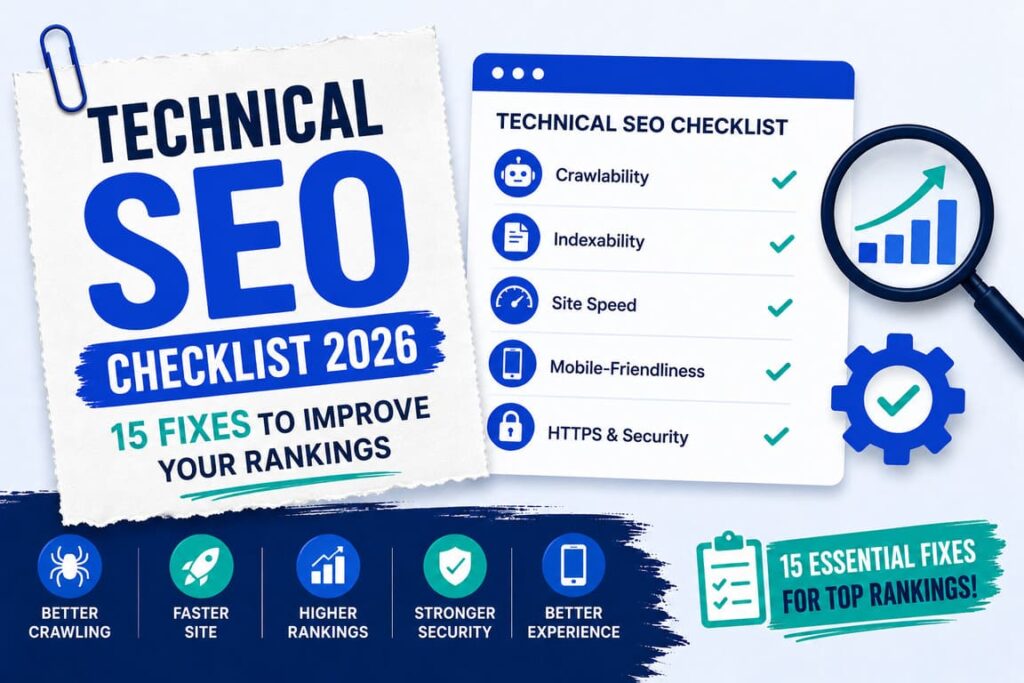
Technical SEO is the behind the scenes work that helps search engines find, read, and trust your site. The 15 fixes in this checklist cover the most important parts, from HTTPS and speed to sitemaps and schema. Work through them in order, and you give your pages a much better chance to rank.
You can write great content and still get little traffic if Google cannot crawl or trust your site. Technical SEO fixes that problem. The good news is that most of these fixes are simple, and you only need to do them once.
What Is Technical SEO?
Technical SEO is the work that helps search engines do their job on your site. It makes sure Google can crawl your pages, which means visit and read them, and index them, which means save them so they can show up in search. When the technical side is healthy, your good content finally gets the chance it deserves.
The 15-Point Technical SEO Checklist
Go through each fix below. Many you do only once, then forget about.
1. Switch to HTTPS
HTTPS is the secure lock you see in the browser bar. It protects your visitors and is a ranking signal. If your site still shows “not secure,” add a free SSL certificate, which most hosts turn on in one click.
2. Make your site mobile-friendly
Most people search on phones, and Google ranks the mobile version of your site. Use a responsive theme, then open your pages on a phone to be sure they look and work well.
3. Improve your site speed
Slow pages lose visitors and rank lower. Check your Core Web Vitals and fix what is slow. My guides on Core Web Vitals and speeding up WordPress walk you through it.
4. Submit an XML sitemap
A sitemap is a list of your pages that helps Google find them all. Create one, which most SEO tools do for you, then submit it in Google Search Console.
5. Check your robots.txt file
This small file tells search bots which pages they may visit. Make sure it does not block pages you want ranked, and that it points to your sitemap.
6. Find and fix crawl errors
In Google Search Console, open the Pages report. It shows pages Google could not read or index. Fix the issues it lists, so your important pages get found.
7. Fix broken links and 404 pages
A 404 means “page not found.” Broken links waste both visitors and crawl effort. Find them, then fix the link or send the old address to a working page.
8. Set up correct redirects
When you move or delete a page, use a 301 redirect, which is a permanent move to a new address. Do not send lots of dead pages to your home page, since that confuses Google.
9. Add canonical tags
If two pages are similar, a canonical tag tells Google which one is the main version. This stops duplicate pages from splitting your ranking between them.
10. Add schema markup
Schema is code that tells Google what your content is, like an article or a set of questions and answers. It can earn richer search listings. My guide on adding schema markup shows the steps.
11. Build a clear site structure and internal links
Group related posts and link them together. A simple, logical structure helps both readers and Google understand your site, and it shares ranking power between your pages.
12. Use short, clean URLs
Keep your web addresses short, lowercase, and readable, with your keyword inside. For example, a clean address like /technical-seo-checklist/ beats a messy string of numbers and dates.
13. Make sure your pages are indexed
Being crawled is not the same as being saved in Google. To check, search site:yoursite.com in Google. If important pages are missing, request indexing in Search Console.
14. Remove or noindex thin pages
Empty tag pages, near duplicate pages, and very thin content can drag your whole site down. Improve them, delete them, or set them to noindex so they stay out of search.
15. Optimize your images
Give every image a clear file name and alt text, compress it, and set its width and height. This helps your speed, your accessibility, and your image search traffic at the same time.
How to Check Your Technical SEO
You can check most of this for free with three tools:
- Google Search Console for indexing, sitemaps, and crawl errors.
- Google PageSpeed Insights for speed and Core Web Vitals.
- The Rich Results Test for your schema.
Run these once a month, and fix whatever they flag.
Common Mistakes to Avoid
- Blocking important pages in robots.txt by accident.
- Sending all old links to the home page instead of a proper page.
- Ignoring mobile, where most of your visitors are.
- Letting broken links and 404 pages pile up.
- Adding schema that does not match what is on the page.
Frequently Asked Questions
What is technical SEO?
It is the behind the scenes work that helps search engines crawl, read, and trust your site, like speed, security, and clean code.
Is technical SEO hard for beginners?
No. Most fixes, like HTTPS, a sitemap, and image sizes, are simple. A few, like redirects, just need a little care.
How often should I check it?
A monthly check in Google Search Console and PageSpeed Insights is enough for most small sites.
Does technical SEO improve rankings?
Yes. It does not replace good content, but it makes sure Google can find, read, and trust your pages, which helps them rank.
Do I need paid tools?
No. Google Search Console, PageSpeed Insights, and the Rich Results Test are free and cover the basics.
Final Words
Technical SEO is not about chasing tricks. It is about clearing the path so search engines can find, read, and trust your work. Start at the top of this checklist with HTTPS, speed, and mobile, then work down. Most of these fixes are one time jobs that keep paying off.
Once your technical side is solid, the next step is your content itself. Pair this with my on-page SEO checklist, and if you are new to all of this, start with what SEO is and how it works.
